

A performance budget the team will keep
A performance budget fails when it is only an aspiration on a slide. Turn it into a few agreed limits the team can check in the build, and into habits that survive a busy week.
Read more
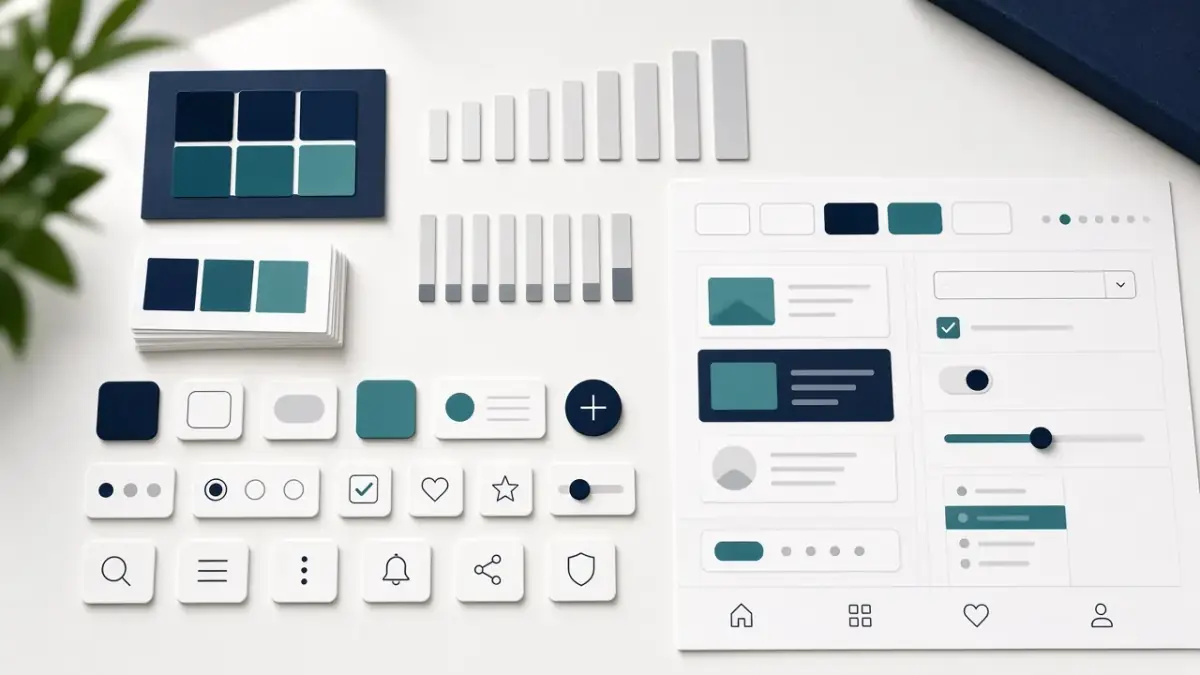
It is easy to confuse a handsome component library with a design system. The first is a set of ready parts: buttons, fields, cards, colours. A system is the agreement that explains when those parts are used, when an exception is refused, and how something new is added without collapsing consistency. A library without that agreement quickly becomes a museum the team visits in the first week and then forgets.
On projects where we have joined a team after a “system” launched and then went untouched, the file was full and new screens were still being invented from scratch. The cause was not visual laziness. It was the absence of rules that make compliance easier than improvisation. A successful system saves decision time, not only drawing time.
A component says: this is the primary button. A system says: use this button when the action is the main step in the context, and avoid it when two actions carry equal weight. Without the second sentence, every designer and engineer will choose according to the mood of the page, and disorder returns wearing tidy components.
So we start with principles before we stockpile states. One clear principle — clarity before decoration, or hierarchy before novelty — can replace dozens of repeated comments. Principles are not wall slogans. They are tools used in review: we ask whether a decision serves the principle or a momentary preference.
A system that cannot say no to a new plate is not a system. It is a filing drawer that only gets fuller.
Early completeness kills small systems. A team running a site and a few internal pages does not need hundreds of states on day one. It needs the parts that actually repeat: type, colour, buttons, forms, cards, and notices. If that loop is done well, expanding the system becomes natural rather than a second, exhausting project.
If component names differ between the file and the interface code, time is lost in translation. We unify naming early, document only the essential states, and attach each component to a live example in the product rather than an isolated picture. The live example reveals real limits: what happens with long copy, what happens in Arabic, what happens when a field fails.
That link makes the system part of daily work. An engineer does not have to guess intent, and a designer does not draw a fourth version of a button that already exists because the old one “felt far away” from the current screen.
Use is not imposed by an internal memo. It is earned when people find that the system shortens an argument they would otherwise repeat. In our practice, the following are what keep a system alive after the launch excitement fades.
Without a contribution path, an unofficial system grows beside the official one. Without a polite right of refusal, the official system swells until it is too heavy to approach. Balance matters more than abundance here.
We do not ask teams to stop shipping until a constitution is complete. We ask them to close a small loop and then widen it. This sequence keeps momentum and stops the system project from swallowing the product project.
After a few weeks the difference shows: discussion shortens, new screens start from a known base, and an exception becomes a conscious event rather than a quiet habit.
A system does not abolish screen design, and it does not abolish visual judgement. It makes the screen a decision within a frame, not a full invention every time. When a new campaign asks for a different layout, the team can tell whether this is a legitimate extension of the system, a real need to open an exception, or simply a desire for novelty.
That distinction protects the brand over a longer horizon. Products that change quickly need a system more than they need a beautiful library on presentation day.
The beauty of the file is not proof of success. Proof is that a busy team returned to the rules because they were faster than improvising. If your “system” is opened only in presentations, you have a library waiting to be turned into a living agreement.
We help teams build that agreement realistically, and attach it to the product rather than to slides. Talk to us if you want an honest review of what you have, and a move from components to a system people use.

Head of Design

A performance budget fails when it is only an aspiration on a slide. Turn it into a few agreed limits the team can check in the build, and into habits that survive a busy week.

Bilingual brands often fail in typography, spacing, and small interface decisions — not in the statement of intent. Here is how we design so both languages stay first-class.

A pricing page fails when packages are invented in a sales deck and then decorated by design. Treat it as a product surface: offer, proof, and a calm path to choose.
We will review your site or campaign and build a clear plan for the next step.